The DJI Mic Mini is a tiny wireless microphone kit that connects straight to the DJI Osmo Pocket 3 and Osmo Pocket 4 without a receiver, which is why it has become one of the best-selling pocket camera accessories on Amazon. Each transmitter weighs about 10 g, the charging case stretches total battery life to roughly 48 hours, and two levels of noise cancelling help keep your voice clear outdoors. If your Osmo Pocket footage looks great but your audio sounds distant or windy, this is usually the first upgrade worth making.

Why it is so popular
As of November 2026 the 2-transmitter kit holds a 4.6 out of 5 rating from about 27,000 Amazon reviews, and it regularly shows up at the top of searches for Osmo Pocket 3 accessories. The reason is simple: the built-in microphones on pocket cameras are fine for ambient sound, but they pick up you from a distance. A clip-on mic sits a few centimetres from your mouth, so your voice stays clear even in a busy street.
Key specs at a glance
| Feature | DJI Mic Mini |
|---|---|
| Transmitter weight | About 10 g each |
| Audio | 48 kHz sampling, 120 dB SPL max |
| Battery | Up to 48 hours total with the charging case |
| Noise cancelling | Two levels: Basic (quiet rooms) and Strong (noisy places) |
| Clipping protection | Automatic limiting lowers the level when input gets too loud |
| Kit | 2 transmitters, 1 receiver, charging case and accessories |
Does it work with the Osmo Pocket?
Yes, and that is its biggest advantage for pocket camera users. The transmitters connect directly to the camera with no receiver, recording 48 kHz / 24-bit audio. According to the listing, direct connection is supported on:
- Osmo Pocket 3, Osmo Pocket 4 and Osmo Pocket 4P
- Osmo Action 4, Action 5 Pro and Action 6
- Osmo 360, Osmo 360 II and Osmo Nano
- Osmo Mobile 7, 7P, 8 and 8P (these need the first-generation DJI OM multifunction module)
For phones and other cameras, you use the included receiver instead.
How to connect it to an Osmo Pocket 3 or 4
- Charge the transmitters in the case, then take one out.
- On the Osmo Pocket, open the audio settings and choose to connect a DJI wireless mic.
- Hold the link button on the transmitter until it pairs.
- Clip the transmitter about a hand’s width below your chin and record a short test clip.
Menu names can change with firmware updates, so check DJI’s current manual if your screen looks different.
Who should buy it (and who can skip it)
Good fit if you:
- Talk to the camera in vlogs, tutorials or travel diaries
- Film interviews or two-person content (the kit has two transmitters)
- Shoot outdoors where wind and traffic noise are a problem
You can probably skip it if you:
- Mostly shoot B-roll, scenery or timelapses with no voice
- Already own a DJI Mic 2 or another wireless mic that pairs with your camera
FAQ
Does the DJI Mic Mini need a receiver with the Osmo Pocket 3?
No. The transmitters pair directly with the Osmo Pocket 3, Pocket 4 and Pocket 4P. The receiver is only needed for phones and other cameras.
How long does the battery last?
DJI rates the kit at up to 48 hours of total use when you recharge the transmitters in the charging case.
Can I record two people at once?
Yes. The 2-transmitter kit lets you mic two people, which is useful for interviews and podcasts.
Is noise cancelling worth turning on?
Use Basic in quiet rooms and Strong in busy, noisy places. Strong can make voices sound slightly processed, so test both before an important shoot.
Pairs well with: smooth camera movement
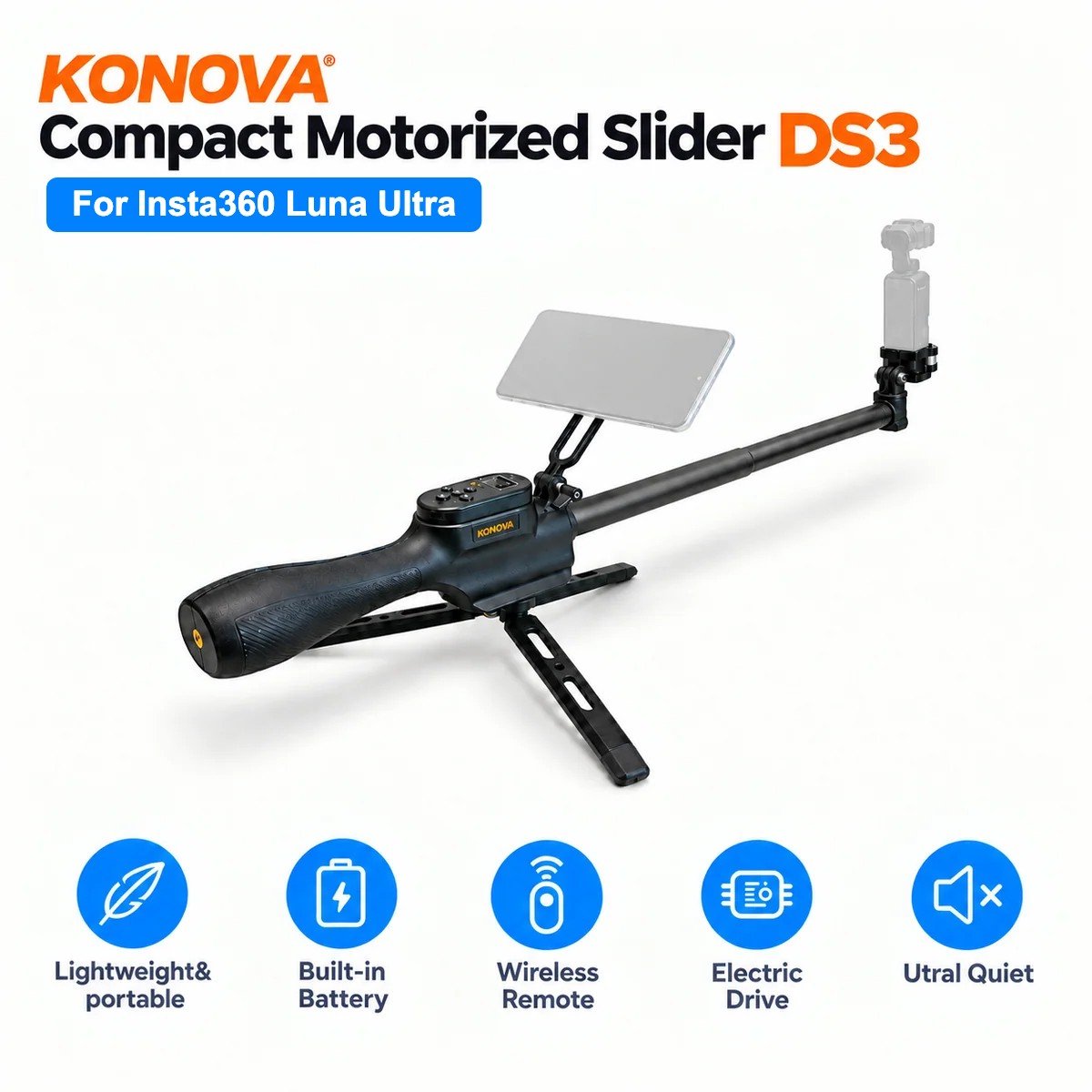
Good audio fixes half of what makes pocket camera footage look amateur. The other half is static, handheld framing. For product shots, desk setups or talking-head videos with a bit of motion, a small motorized slider adds slow push-ins and side-to-side moves.
Disclosure: the author of PocketCam Daily is affiliated with KONOVA, the maker of the DS3 slider below.